User Interface Updates (dark mode, nav, mobile)
Published February 10, 2026
For: All Members
Greeting Centerline users! We added a few tweaks to the user interface this week.
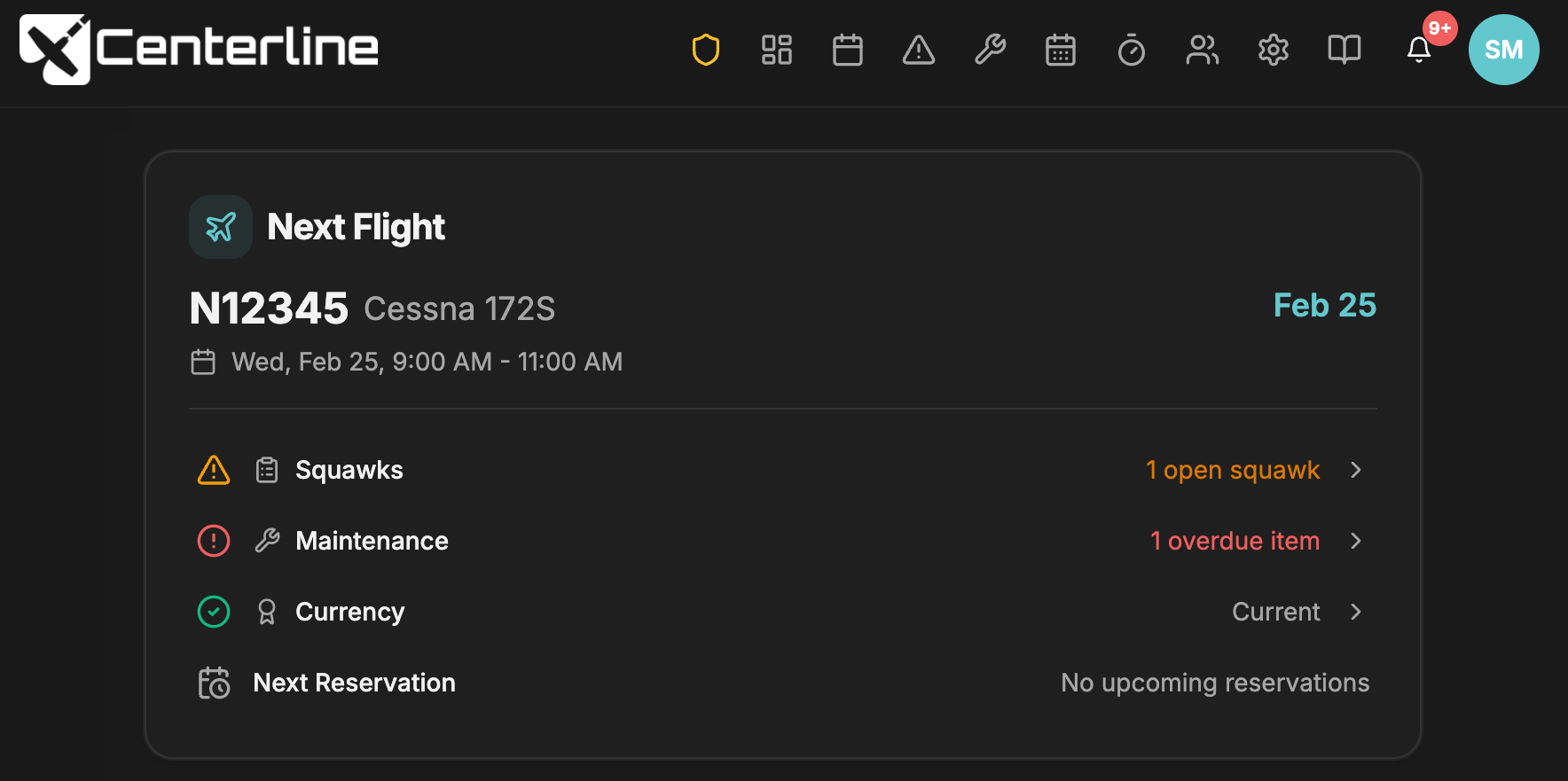
Dark/Light mode support
Centerline now respects your sensitive retinas by following your device's dark/light mode settings. You can also set your preference under the profile dropdown menu.
Smaller top navigation
We reduced the height of the top navigation bar to free up space as new features are added. Navigation items are now icon-based, with tooltips for quick hints.

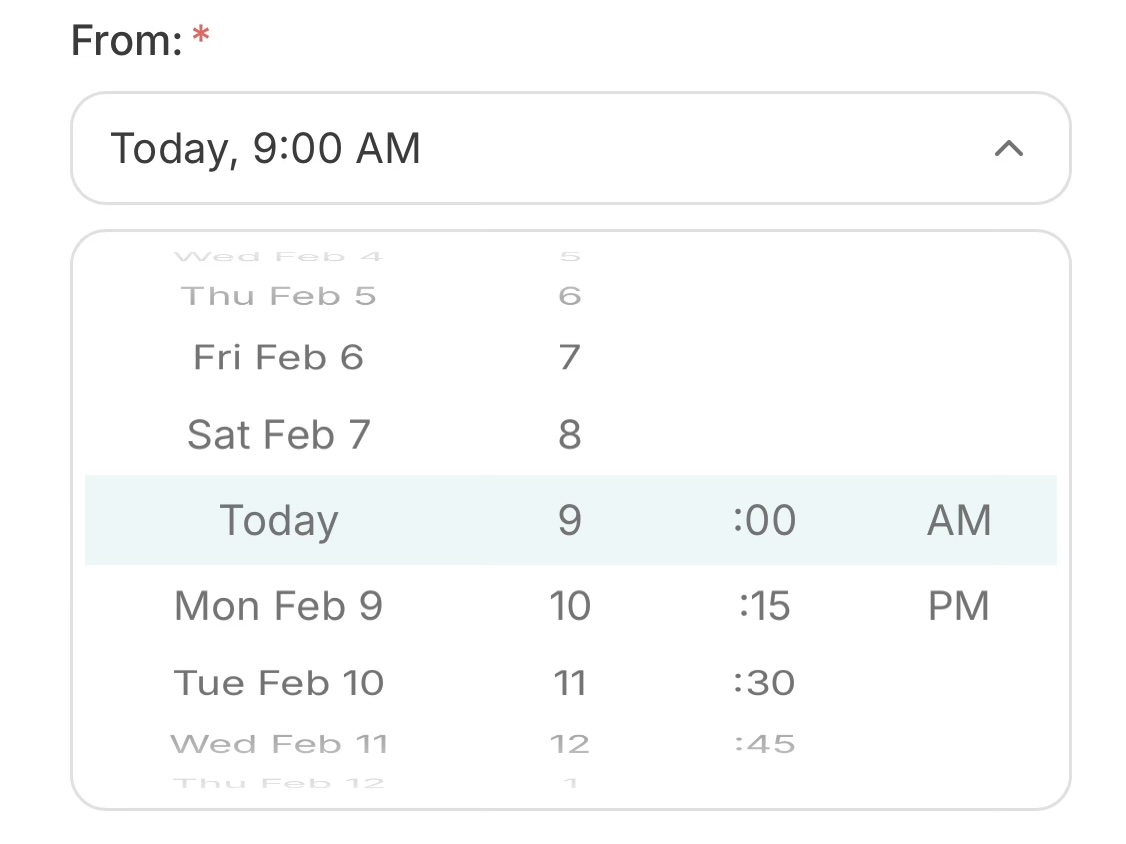
Mobile quick links + improved date/time picker
Since most members use Centerline on mobile, we added a bottom quick-links bar for fast access to Reservations, Squawks, Logs, and Members. We also introduced a new date/time picker that’s much easier to use on mobile.