Nothing gets lost in the group chat
Report an issue with a photo from the ramp. Track inspections by date or by tach. And when a squawk closes, the pilot who wrote it up finds out exactly what was done.
Squawks
A rough idle or a soft tire gets reported from a phone, right at the airplane, with as many photos attached as it takes to show the problem, each one recorded with its filename, size, and type. The reporter can flag it as recommending grounding, and that warning is loud: it shows on the Fleet Status dashboard card and on the current and next flight cards for anyone about to fly that tail. It's a warning in front of every member who can book that airplane, not a lock on the calendar. The tail still shows as bookable until an admin schedules the maintenance block that actually takes it off the schedule.
- Squawk reporting with photo attachments
'Rough idle' plus a photo of the gauge beats a paragraph in a group chat.
- Recommend grounding flag
Safety-critical items are unmistakable.
- Crew comments
Corroborating reports attach to the original.
- Squawk notifications
The right people hear about it immediately.
Rough engine idle on startup. Oil pressure gauge reading low. Recommend grounding until inspected.
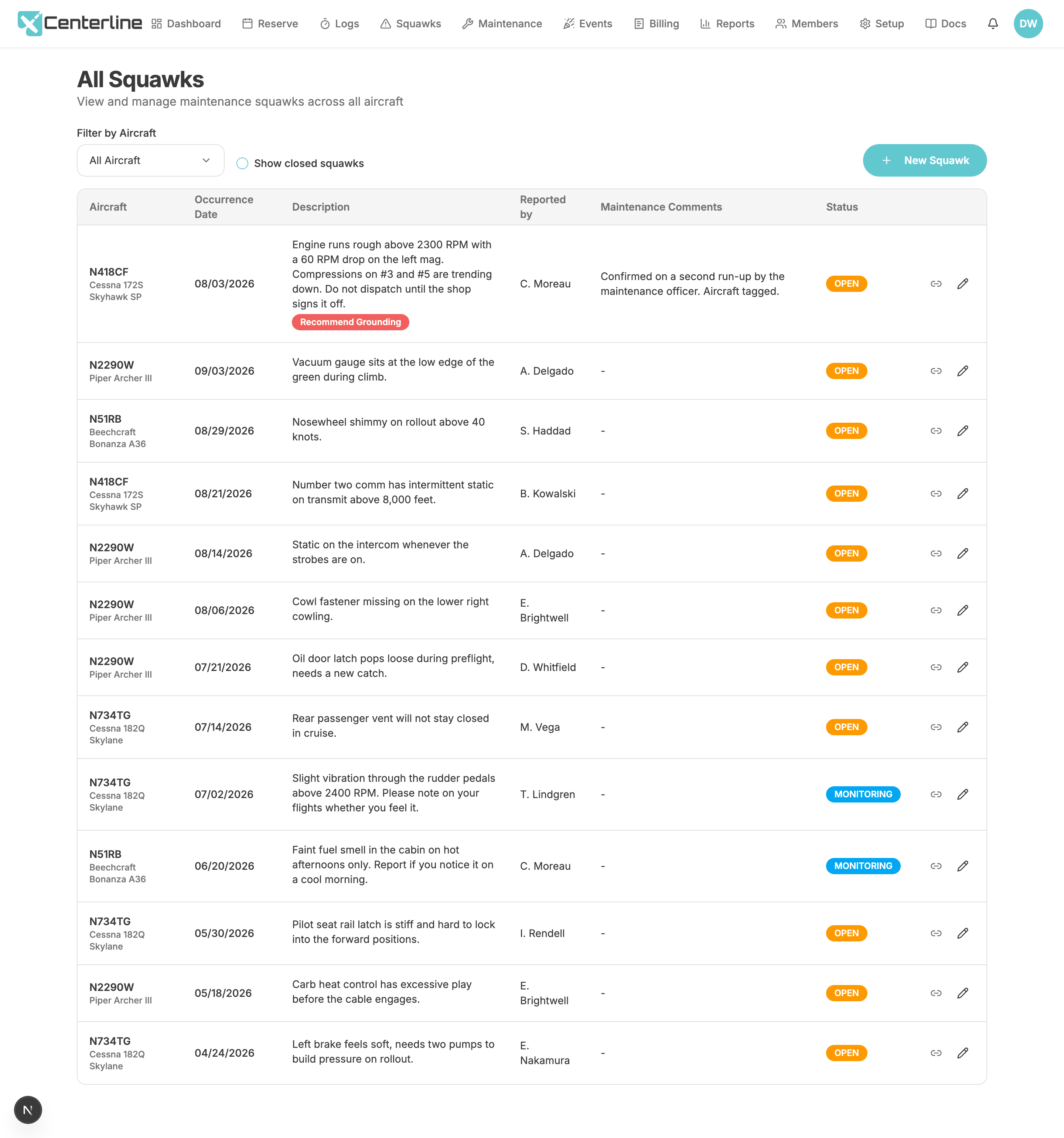
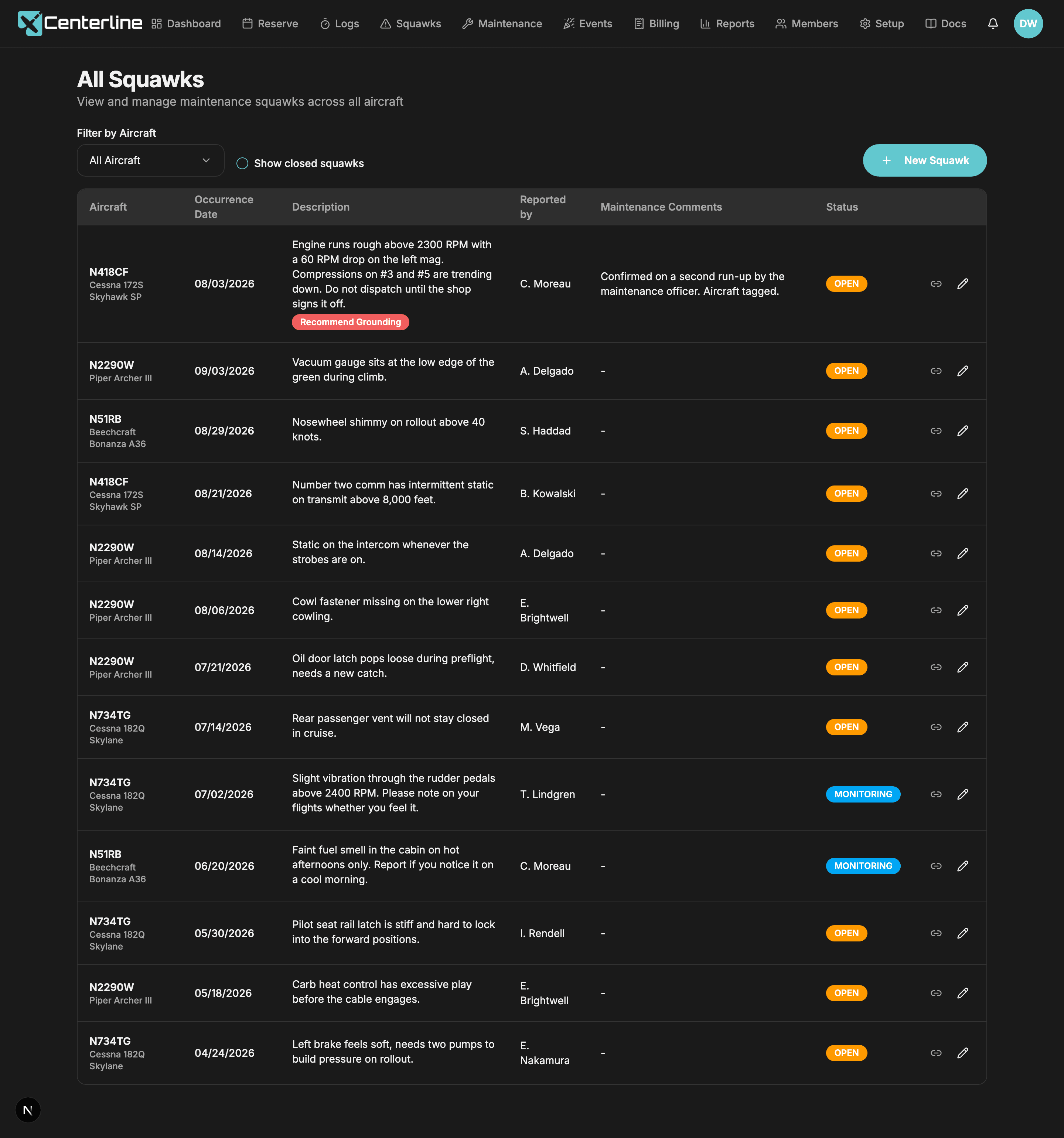
Closing the loop
Closing a squawk requires recording what was actually done. Not optional. That resolution goes into the close notification the reporting pilot receives, and stays on the squawk permanently.
"Closed" with no explanation teaches members that writing things up is pointless. This is the cheapest trust you will ever buy.
If the same problem comes back, reopening it keeps the original report, its history, and its attachments in one place instead of starting a new squawk from scratch. And for the items that aren't a fault at all (a slightly higher-than-usual oil add, a vibration one pilot noticed), flagging a squawk as monitoring marks it as informational, watch this, and that flag rides along through closing and reopening rather than resetting with the status. On screen, the blue Monitoring badge itself only shows while the squawk is open; closing it shows CLOSED like any other squawk. A few of those can run for weeks without meaning anything is actually broken, so the Squawk Cycle Time report and the open-squawk count that feeds the executive summary leave them out of the open totals and the days-to-close average. Everywhere a pilot actually looks before flying (the Fleet Status card, the flight cards, the squawks list itself), a monitoring item still counts as open.
- Required written resolution
The pilot who wrote it up learns what was actually fixed, and trust compounds.
- Monitoring badge
Distinguishes 'keep an eye on this' from 'this is broken', and a handful of long-running observations doesn't distort the maintenance trend.
Scheduled maintenance
A one-off item due on a specific date (an annual, a transponder or ELT check, a pitot-static test) sits alongside recurring items due by calendar months or by tach hours, like a 100-hour inspection or an oil change. The tach-based schedules run off the aircraft's own current tach reading, so the due point tracks real flying, not an estimate. Each item shows a progress indicator toward its due point, and the completed date and completed tach that drive it are recorded in the schedule's edit form. The list sorts and filters by aircraft, and collapses into a compact layout built for a phone at the hangar.
- Due-date schedules
The 24-month items don't live in someone's memory.
- Recurring schedules
Tach-driven maintenance tracked against real tach data from the logs, and 'how close is the 100-hour?' answered at a glance.
Maintenance on the calendar
Admins block the shop day directly on the same calendar the club schedules flights on, shown in red, alongside a description and comments, and recording who created it. This is the block that actually affects availability: a reservation that overlaps a maintenance block is the thing that gets bumped to backup, not a grounding-flagged squawk. Clicking the block lists that aircraft's own contacts who also hold the Maintenance role in the club, each with a one-tap email link, so a pilot who spots the block knows exactly who to call about that airplane.
- Maintenance blocks
The shop day is on the same calendar everyone else uses.
Fleet status at a glance
One dashboard card shows per-aircraft status, open squawks, and any grounding warnings, and the same warnings surface again on your own current flight card so a grounding-flagged aircraft is hard to miss on your way out the door.
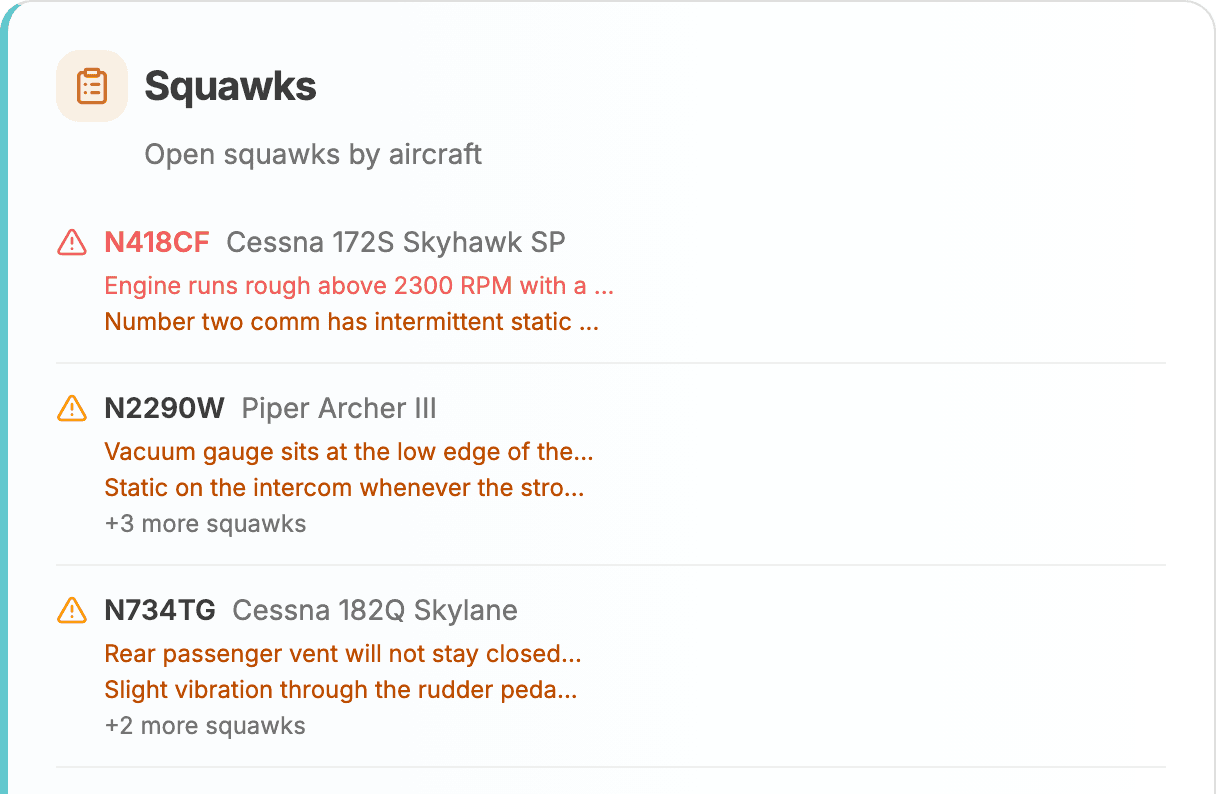
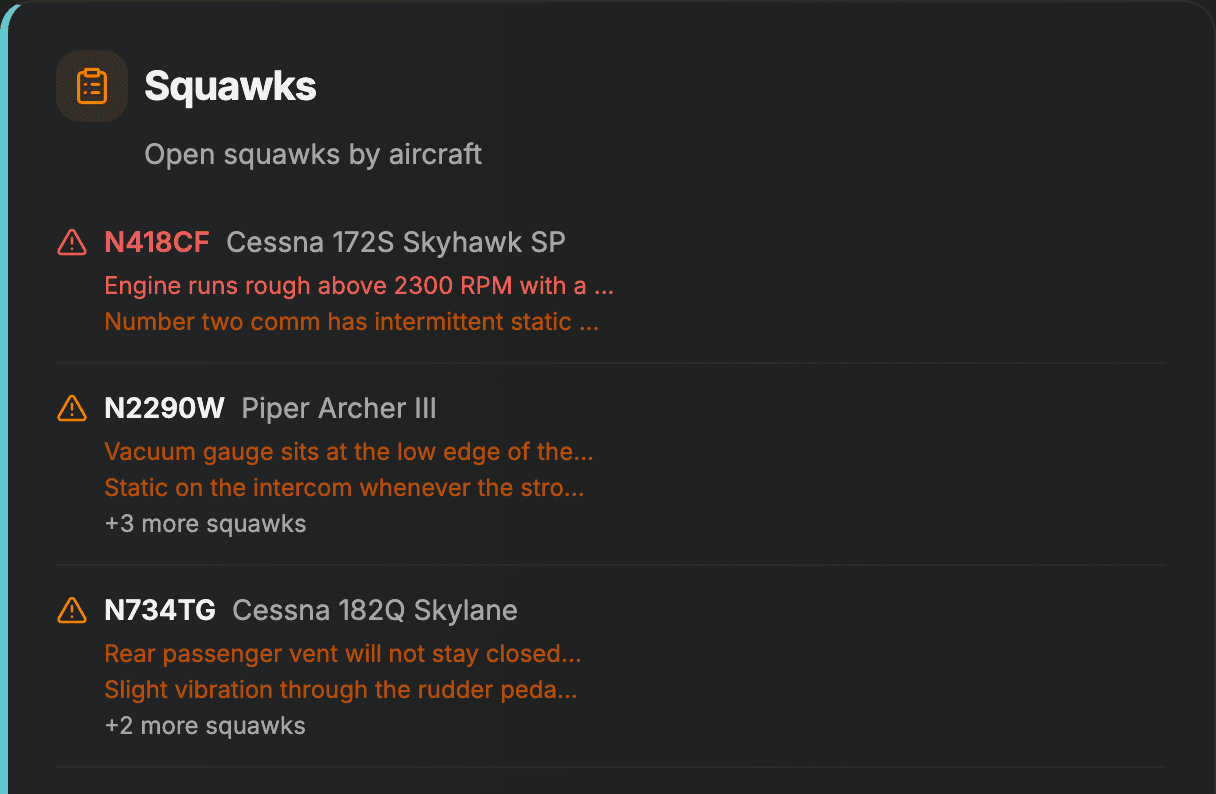
- Fleet Status card
Preflight the fleet before you drive to the airport.
Every maintenance & squawks feature
- Squawk reporting with photo attachments
'Rough idle' plus a photo of the gauge beats a paragraph in a group chat.
- Recommend grounding flag
Safety-critical items are unmistakable.
- Required written resolution
The pilot who wrote it up learns what was actually fixed, and trust compounds.
- Monitoring badge
Distinguishes 'keep an eye on this' from 'this is broken', and a handful of long-running observations doesn't distort the maintenance trend.
- Crew comments
Corroborating reports attach to the original.
- Squawk notifications
The right people hear about it immediately.
- Maintenance blocks
The shop day is on the same calendar everyone else uses.
- Due-date schedules
The 24-month items don't live in someone's memory.
- Recurring schedules
Tach-driven maintenance tracked against real tach data from the logs, and 'how close is the 100-hour?' answered at a glance.
- Fleet Status card
Preflight the fleet before you drive to the airport.
Get your squawks out of the group chat
60 days free, no credit card. Import your open squawks and your maintenance schedules and start from where you are.
Start your free trial60 days free. No credit card required.